Key Takeaways
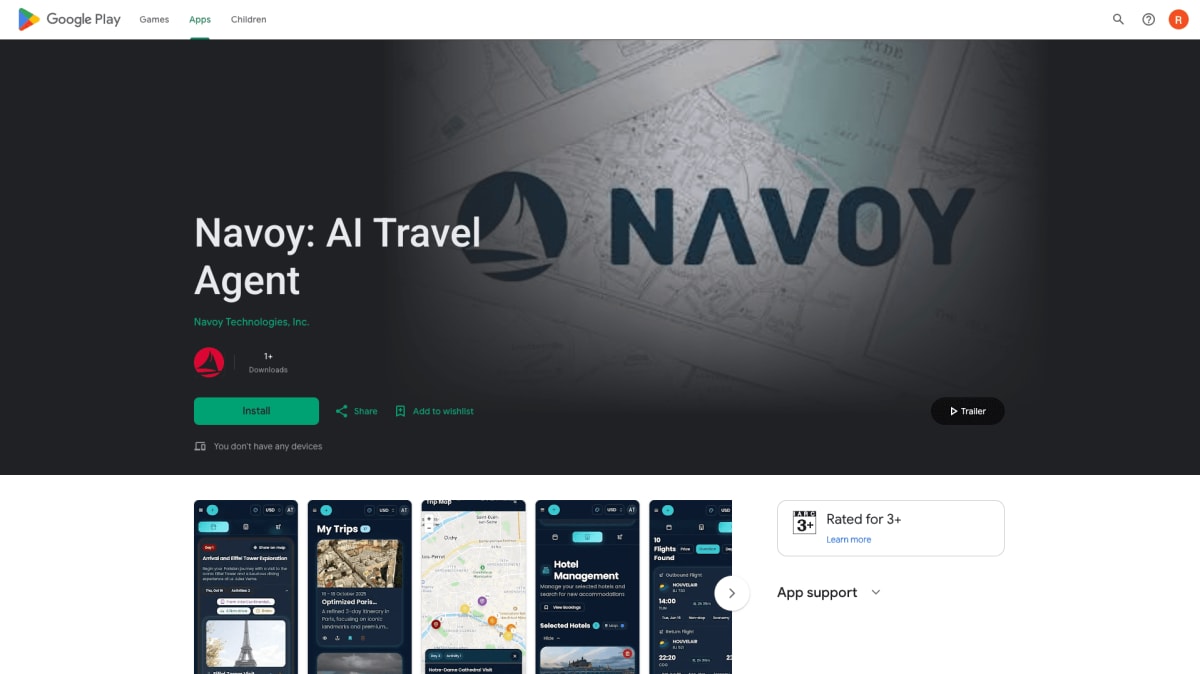
- Navoy is now on Android — download the app free on Google Play and plan or book a whole trip from your phone.
- Plan a day-by-day itinerary with AI, then book hotels and airport transfers in the same app.
- Get push notifications for trip and booking updates, with native speed built for booking on the go.
- Your Navoy account syncs across the app and the web, so you can start on one and finish on the other.
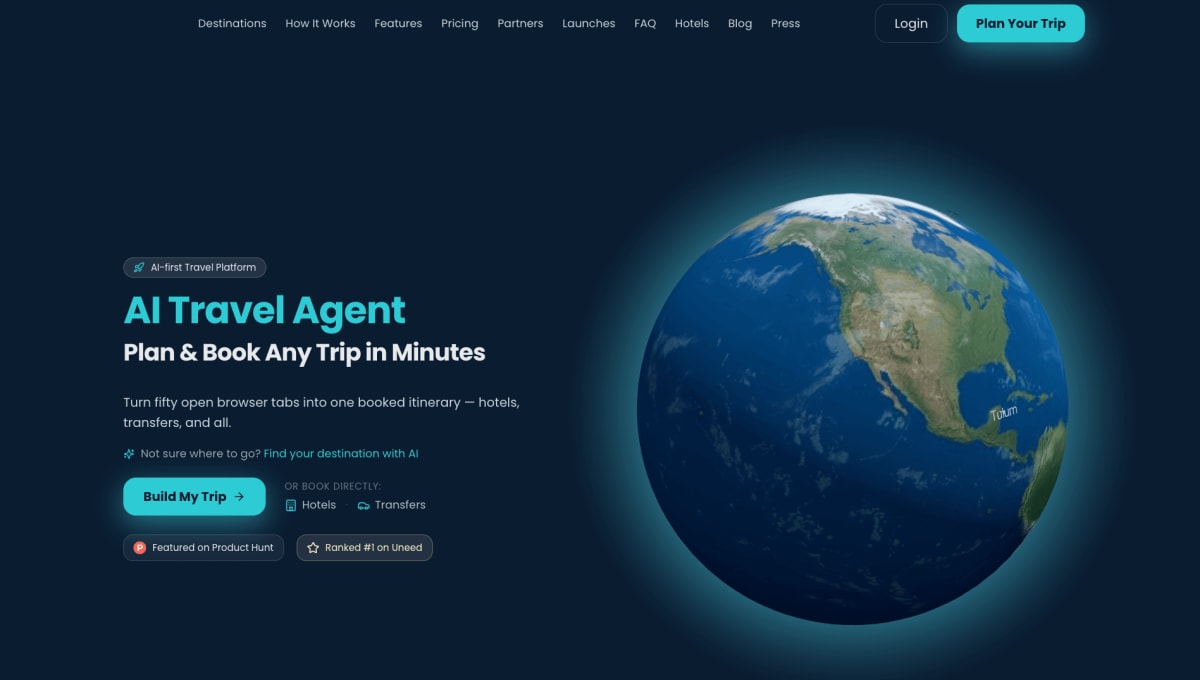
- An iOS app is coming soon — iPhone users can keep planning at dashboard.navoy.io in the meantime.
Navoy Is Now Available on Android
The Navoy app is now live on Android, so you can plan a trip with AI and book hotels and airport transfers straight from your phone. It is free to download on Google Play, works with your existing Navoy account, and sends push notifications so you stay on top of trip and booking updates. An iOS version is coming soon.
Until now, Navoy lived on the web at dashboard.navoy.io. The Android app puts the same planning and booking in your pocket, which matters because most travel now happens on a phone. Below is what the app does, how to get it, and what iPhone users can expect.
What Can You Do in the Navoy Android App?
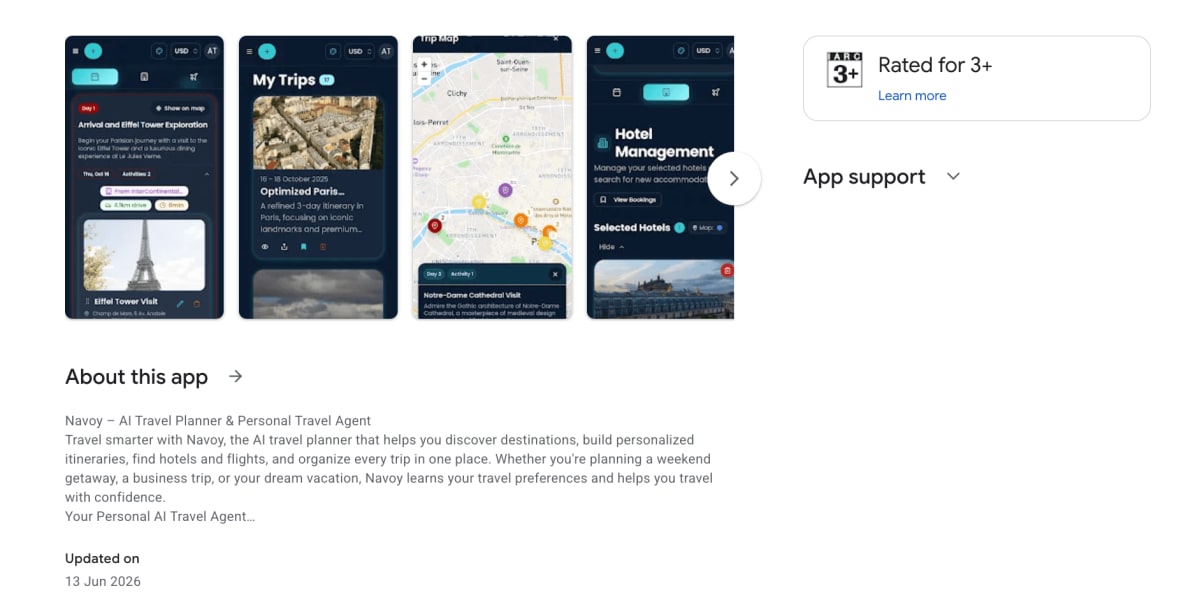
The Android app gives you the full Navoy experience: describe a trip, get an AI day-by-day itinerary, then book hotels and airport transfers in one place. It is the same product you know on the web, rebuilt to feel fast and natural on a phone.
| In the app | What it does |
|---|---|
| AI trip planning | Describe your destination, dates, group, and budget, and get a personalized day-by-day itinerary |
| Hotel booking | Search and book across a large hotel inventory with real-time pricing |
| Airport transfers | Add and book airport or city transfers to the same trip |
| Push notifications | Get trip and booking updates sent straight to your phone |
| Account sync | Start on the app and finish on the web, or the reverse — it is one account |
| Native speed | Built to be quick and smooth for booking while you are on the move |
Note that Navoy plans and books hotels and transfers. It does not book flights — flights are selectable while you plan, so you can build them into your itinerary and book the ticket with your airline.
How to Download the Navoy App on Android
You can install the Navoy app free from Google Play in under a minute. Here is how:
- Open the Google Play listing on your Android phone, or search "Navoy" in the Play Store.
- Tap Install and wait for the download to finish.
- Open the app and sign in, or create a free account.
- Describe your trip and let Navoy build your itinerary, then book your hotels and transfers.
Creating an account is free, and you can plan your first trips without paying. Pro is available at $12.99/month when you want unlimited trips (check navoy.io/pricing for current plans).
Is Navoy Available on iPhone (iOS)?
Not yet — the Navoy iOS app is coming soon. For now, iPhone users get the full Navoy experience on the web at dashboard.navoy.io, which works in any mobile browser.
If you are on iPhone, keep planning and booking on the web, and watch this space or Navoy's channels for the iOS release. Everything you plan on the web will be waiting in the app once iOS lands, because it is the same account.
Why Book Travel From Your Phone?
Because travel is now a mobile-first habit — the phone is where people search, plan, and increasingly book. Building your trip in an app means you can adjust plans, check details, and book on the move instead of waiting until you are back at a desk.
The numbers back it up. Smartphones drive about 61% of the online accommodation booking market, roughly 83% of travelers research trips on their phones, and mobile now accounts for close to 60% of hotel reservations, with last-minute smartphone bookings up sharply year over year. Having AI planning plus real booking in one app fits how people actually travel today.
Frequently Asked Questions
Is the Navoy Android app free?
Yes. The Navoy app is free to download on Google Play, and you can create an account and plan trips at no cost. A Pro plan ($12.99/month) adds unlimited trips and extra features. You only pay for the hotels and transfers you choose to book, at the prices shown in the app.
How do I get the Navoy app on Android?
Open the Navoy listing on Google Play or search "Navoy" in the Play Store, tap Install, then open the app and sign in or create a free account. From there you can describe a trip, get an AI itinerary, and book hotels and airport transfers.
Does the Navoy app book flights?
No. Navoy plans your trip and books hotels and airport transfers. Flights are selectable while you plan, so you can build them into your itinerary, but you book the ticket itself with your airline. Hotels and transfers are booked directly in the app with real-time pricing.
When is the Navoy iOS app coming?
The Navoy iOS app is coming soon; we have not announced a specific date yet. Until it launches, iPhone users can use the full Navoy experience on the web at dashboard.navoy.io, and everything syncs to the same account once the iOS app is available.
About the Author
Haroun Moula
Haroun Moula is the founder and CEO of Navoy. Before Navoy, he worked in luxury travel with VVIPs and high-profile travelers. He built Navoy to bring curated, adaptive trip planning to more travelers through an AI travel agent that plans and books core trip parts in one place.